
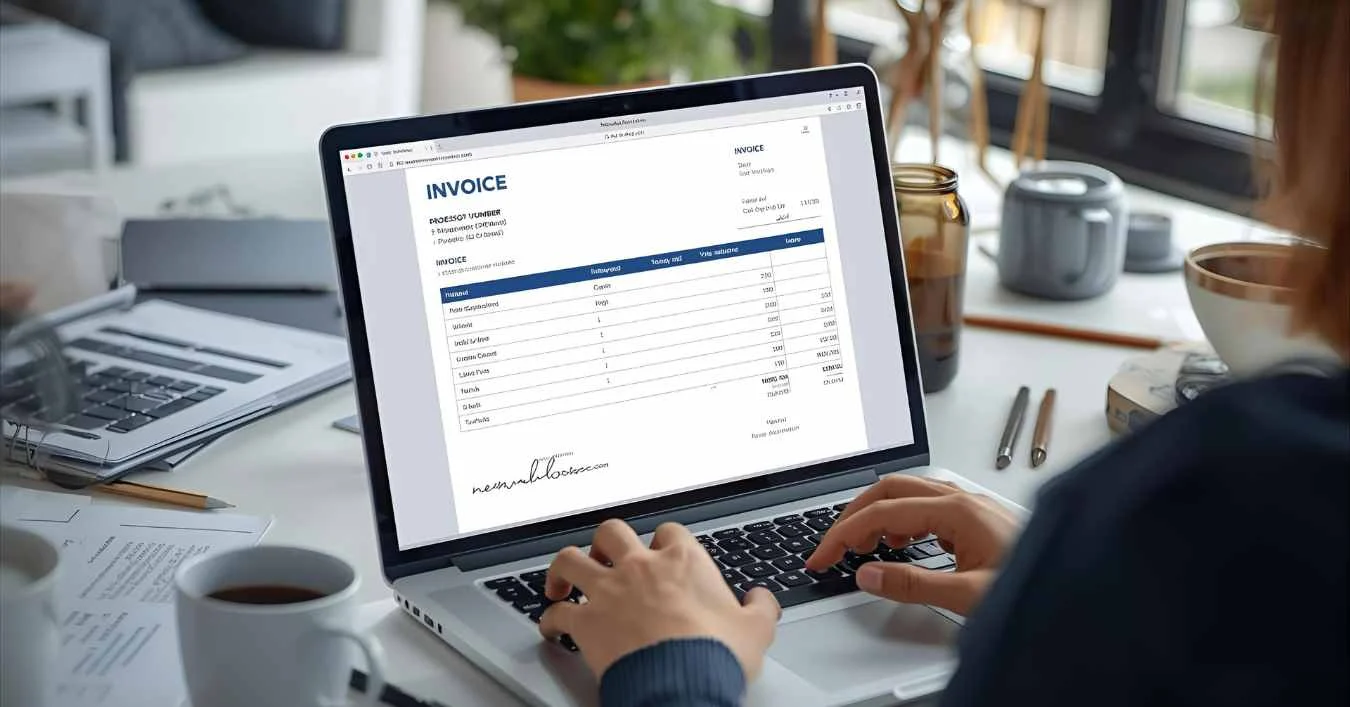
Learning how to create invoices is the step-by-step toward managing your business finances like a pro. With a well-structured invoice, you can simplify billing, get paid faster, and maintain a professional image every time.
You’re a small business owner, freelancer, or service provider, learning how to create invoices is one of the most essential skills in professional billing.
This guide walks you through how to make an invoice from scratch, explains the best invoice format examples, and shares pro tips for using invoicing software to simplify your billing process.
🧩 Step 1: Understand What an Invoice Is
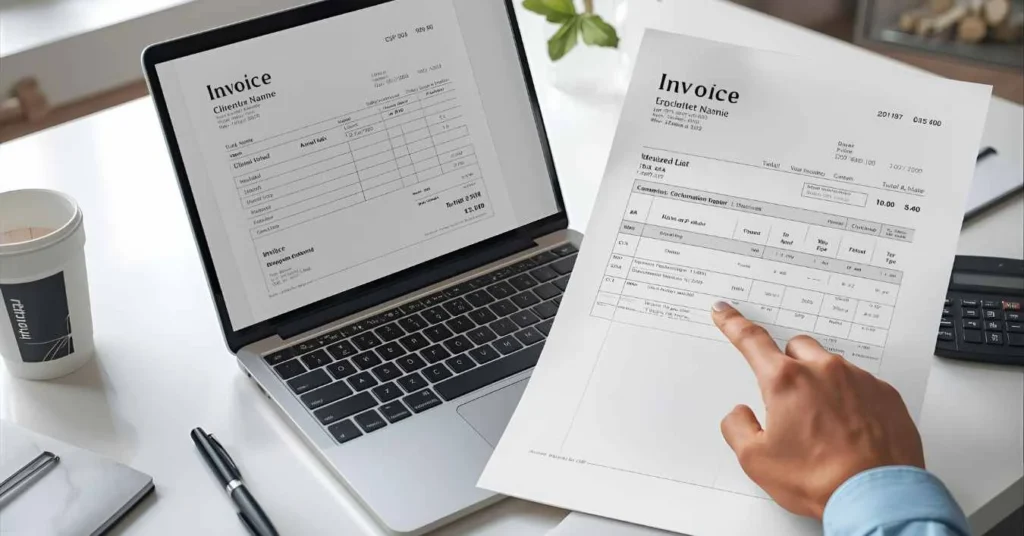
An invoice is a formal document that records a payment request for goods or services provided. It includes details such as:
- Client and sender information
- Invoice number
- Description of services or products
- Quantity and price
- Payment terms and due date
Understanding these basics is the first step toward mastering invoice creation and managing your accounts receivable efficiently.
Best Pick: “An invoice isn’t just paperwork — it’s a professional reflection of your business and a key to smoother cash flow.”
📄 Step 2: Choose a Professional Invoice Format
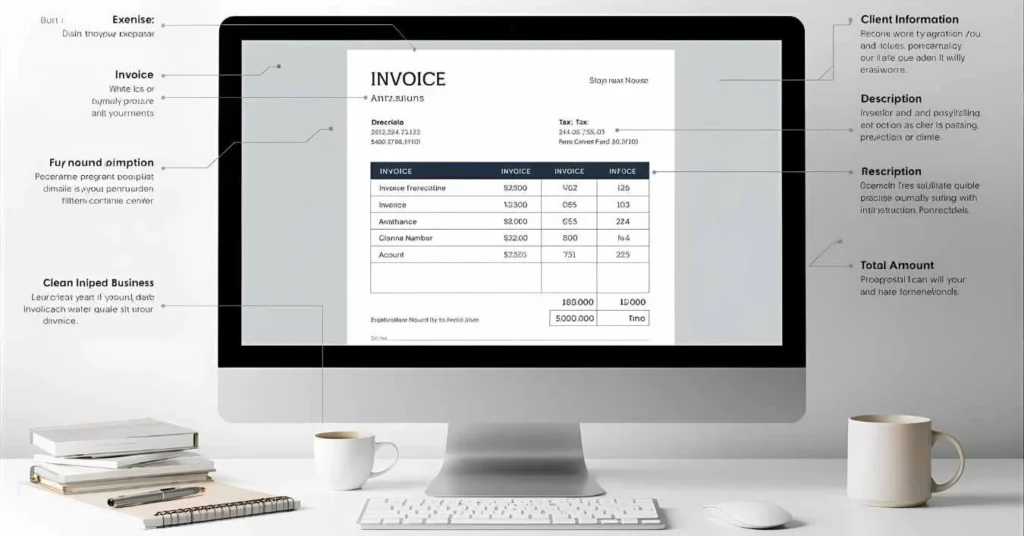
To make your invoices look polished, start with a professional invoice template. You can use a digital invoicing tool, invoice generator, or even design your own invoice layout.
Here’s what every good invoice format example should include:
- Business name and logo
- Client details
- Invoice number and date
- Itemized list of services
- Subtotal, taxes, and total
- Clear payment instructions
Consistency in your invoice format not only builds trust but also strengthens your brand identity.
Best Pick: “A clean, branded invoice speaks louder than words — it shows professionalism before payment even arrives.”
🧮 Step 3: Write a Clear and Accurate Invoice
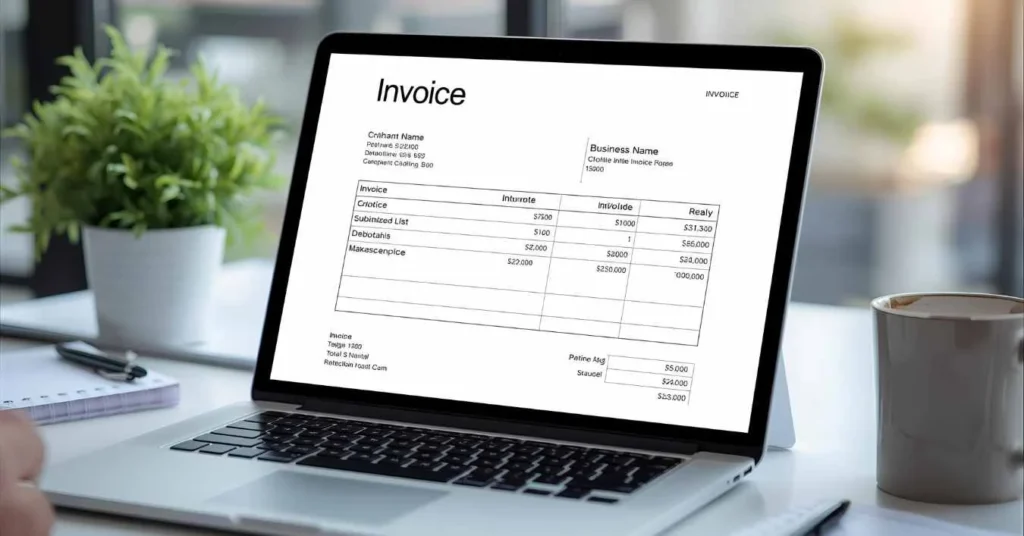
Next, learn how to write an invoice that’s both accurate and easy to read. Use simple terms, double-check prices, and ensure that each item description is precise.
Include these details:
- Payment methods (bank, card, digital wallet)
- Terms such as “Due in 7 days” or “Net 30”
- Your contact details for client communication
An accurate billing process builds trust and minimizes confusion for your clients.
Best Pick: “Clarity and transparency in your invoices reduce disputes and encourage timely payments.”
💻 Step 4: Use Invoicing Software or Tools
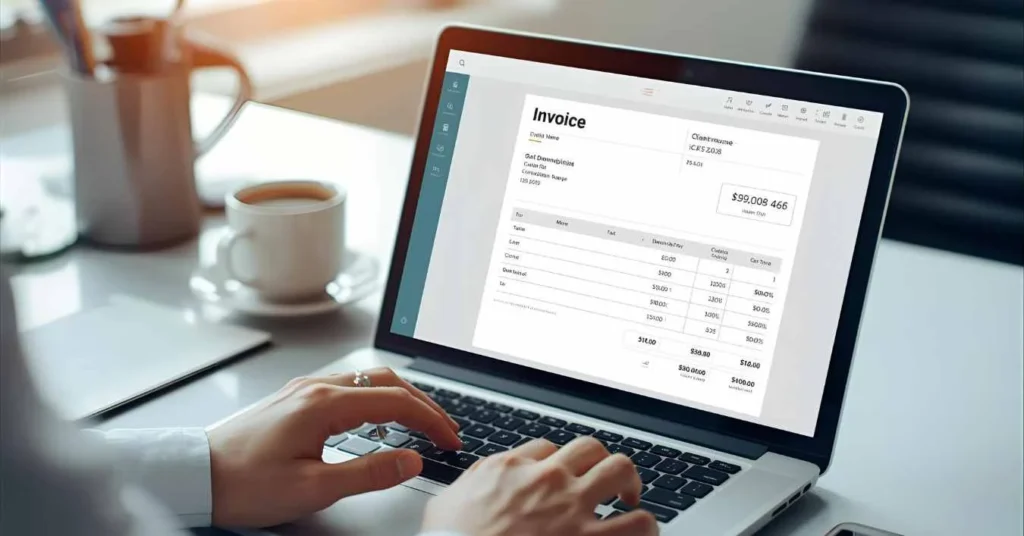
Modern invoice creation doesn’t need to be manual. Use invoicing software or an online invoice generator to automate calculations and track payments easily.
Popular tools like Wave, QuickBooks, or FreshBooks make it simple to:
- Generate invoices quickly
- Schedule recurring billing
- Send digital reminders
- Store financial records safely
Automation streamlines your invoice management and saves time for more valuable work.
Best Pick: “Automate your invoices — let software handle numbers while you focus on clients.”
💰 Step 5: Include Tax and Payment Details
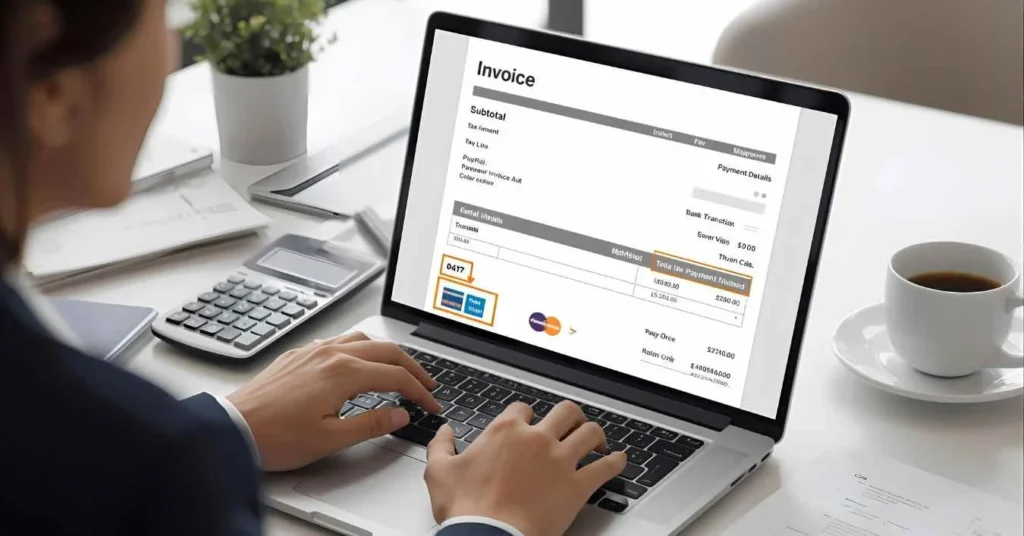
For a professional touch, include any tax invoice details required by law and specify payment terms clearly. Mention the due date, any late payment fees, and accepted payment methods.
Doing this makes your invoicing process transparent, especially for international clients who need clarity on currency and tax details.
Best Pick: “A complete invoice reduces back-and-forth and gets you paid without delays.”
🧾 Step 6: Send the Invoice Professionally
Once finalized, send invoices promptly to your clients. Use email, client portals, or integrated payment links.
Include a polite note like:
“Thank you for your business! Please find your invoice attached for prompt payment.”
Prompt sending reinforces professionalism and improves your client billing reputation.
Best Pick: “A timely invoice today is a smooth payment tomorrow.”
📊 Step 7: Track Payments and Maintain Records

Tracking payments is vital for invoice management and bookkeeping. Keep copies of all invoices for your financial records.
Use a payment tracking or invoice tracking system to monitor which invoices are paid, pending, or overdue. It helps you identify reliable clients and manage your cash flow effectively.
Best Pick: “Tracking invoices is the heartbeat of healthy business finances.”
💼 Step 8: Tips for Freelancers and Small Businesses

Here are some invoice tips for freelancers and small business invoicing practices that ensure smooth operations:
- Always include your unique invoice number
- Set clear payment terms from the start
- Use branded templates for consistency
- Automate reminders for unpaid invoices
- Review your invoicing process monthly
Adopting these steps helps maintain a professional image while making your billing process faster and stress-free.
Best Pick: “Smart invoicing isn’t just about getting paid — it’s about building client trust.”
🧠 Step 9: Common Mistakes to Avoid in Invoice Creation

Even experienced professionals sometimes make invoicing errors. Avoid these to stay ahead:
- Forgetting to add an invoice number
- Missing a due date
- Using confusing invoice formats
- Omitting contact details or payment terms
Avoiding these mistakes will make your invoice creation guide more reliable and help clients pay faster.
Best Pick: “A single missing detail can delay your payment — precision pays off.”
🏁 Step 10: Finalize and Organize Your Billing Process
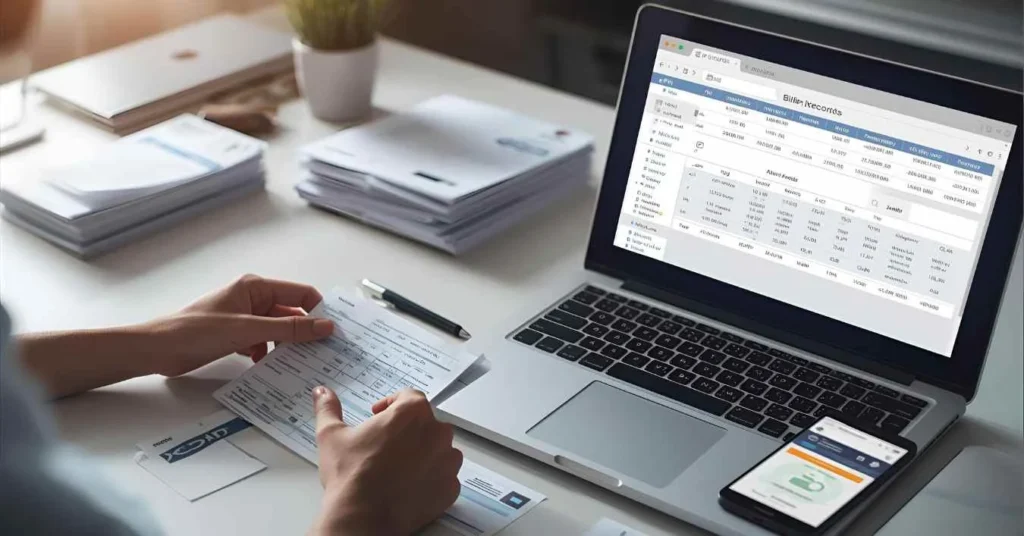
Once you’ve sent your invoice and received payment, file it correctly for your bookkeeping. Keeping your client billing organized makes future tax filings and audits stress-free.
Digital tools simplify everything — from generating PDFs to integrating with financial record systems — giving you a professional edge in your invoice management workflow.
Best Pick: “Well-organized invoices today mean peace of mind tomorrow.”
🧠 FAQ Section
Q1: What is the easiest way to create an invoice?
The easiest way to create an invoice is by using online invoicing software or a free invoice generator. These tools automate the billing process, calculate totals, and send professional invoices within minutes.
Q2: What should be included in an invoice?
Every professional invoice template should include your business name, client information, invoice number, description of services, due date, and total payment amount. This ensures clarity and avoids payment delays.
Q3: Can freelancers create invoices without software?
Yes, freelancers can create invoices manually using Word, Excel, or Google Docs. However, using digital invoicing tools simplifies invoice management and helps track payments more efficiently.
Q4: What are the common mistakes in invoice creation?
Common mistakes include missing invoice numbers, unclear payment terms, or forgetting to include taxes and due dates. Following a structured invoice creation guide helps avoid these errors.
Q5: How can I make my invoice look professional?
Use a clean invoice layout, include your brand logo, and select a consistent color scheme. Professional invoice format examples help you design invoices that reflect your business quality.
Q6: How often should small businesses send invoices?
Small businesses should send invoices immediately after completing work or delivering products. Consistency in invoice management keeps your financial records up-to-date and ensures smooth cash flow.
Q7: Why is invoice tracking important?
Invoice tracking helps you monitor payments, avoid overdue bills, and maintain accurate bookkeeping. It’s a crucial part of maintaining reliable accounts receivable for your business.
Q8: What’s the best invoicing method for international clients?
For international clients, use online invoicing tools that support multiple currencies and automatic tax calculations. This keeps your payment process accurate and compliant across borders.
✅ Conclusion: Create Invoices That Reflect Your Professionalism
Learning how to create invoices isn’t just an administrative task — it’s a way to strengthen your business credibility and ensure faster payments. With a clean invoice format, reliable invoicing software, and smart invoice management, you can simplify your financial life while impressing clients.
Keep refining your process, use automation where possible, and let your invoices speak the language of professionalism.

Michael Smith is the creator of PikupLab.com, known for crafting engaging, SEO-smart content that connects with modern audiences.
He specializes in turning niche topics into high-ranking, reader-focused articles.